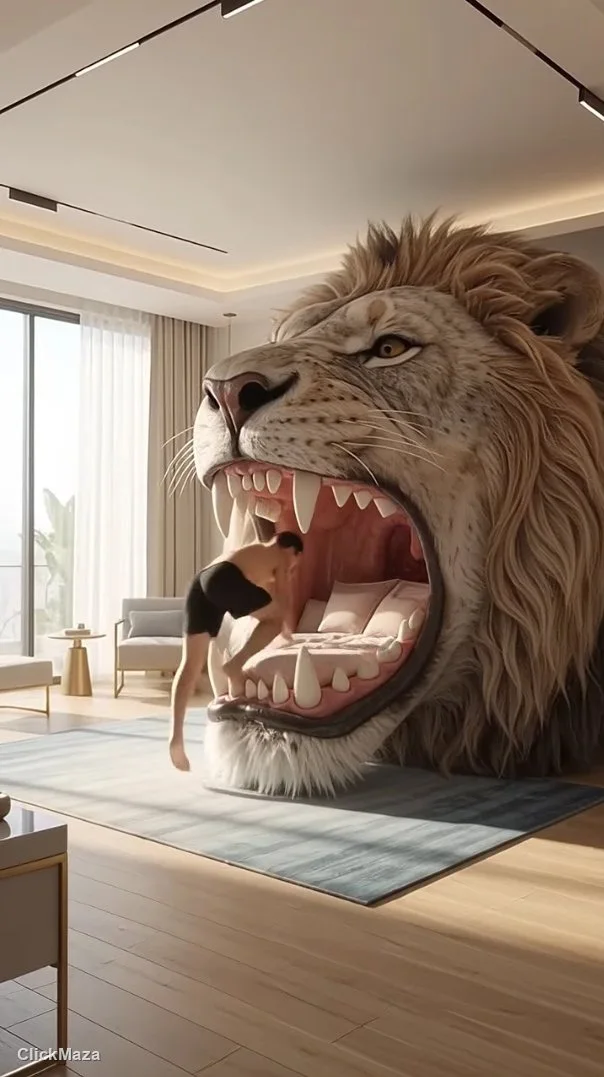

Let’s be real for a second. If you’ve ever spent hours staring at a Premiere Pro timeline, waiting for a 3D motion render to finish, or tweaking keyframes until your eyes hurt, you know the true grind of video creation. We’ve all been there. But after spending some serious time experimenting with Google Flow AI, it’s genuinely shifting how we approach digital asset creation. You don’t need an overpowered, expensive workstation to build a visually stunning scene anymore; you just need a solid imagination and the right words.
The End of the “Rendering…” Loading Bar
We’ve seen a ton of AI video tools pop up recently, but let’s be honest—most of them feel like gimmicks. You usually get weird morphing artifacts, physics that make absolutely no sense, or a massive drop in resolution. Google Flow AI actually feels like a tool built for real designers and editors. It takes a text prompt and generates cinematic, 1080p or 4K footage that respects actual camera angles, natural lighting, and motion physics.
Instead of spending three days modeling and lighting a scene from scratch, you can type out exactly what you want. It completely bridges the gap between having a creative vision and getting it on the screen, completely removing the hardware bottlenecks that usually slow us down.
Crafting the Perfect Prompt
The secret sauce isn’t just the AI engine; it’s how you communicate with it. If you are building a platform to share digital assets or curating resources for a community, you already know that typing “a car driving fast” is going to give you a boring, generic result.
To get those jaw-dropping, viral-worthy clips, you have to think like a film director:
- Define the lens and motion: Start your prompt with specific camera directions like “low-angle tracking shot,” “smooth orbit,” or “handheld cinematic shake.”
- Nail the lighting: Specify the environment by adding “golden hour,” “harsh neon glow,” or “soft overcast daylight.”
- Keep the action focused: AI engines still get a bit confused if too much is happening at once. Focus on one strong, core movement per generation for the cleanest output.
Is It Going to Replace Creators?
This is the exact question every graphic designer and video editor is asking right now. The short answer? No. Tools like Google Flow AI are exactly that—tools. They handle the tedious, heavy lifting and give you the raw visual materials much faster. This lets you focus entirely on the UI/UX, the storytelling, the branding, and putting the final pieces together for your clients.
It allows you to test concepts and generate layout placeholders at a speed we couldn’t have imagined even a year ago. If you haven’t jumped in yet, start testing out different prompt structures and see how easily it integrates into your daily editing workflow. The barrier to high-end video creation is gone, and the results are honestly too good to ignore.